
Program Marketing

MARKETING YOUR PROGRAM

To help you promote your program, we offer several flyers that you can co-brand with your organization’s logo and customize with your class dates, times, and contact information.

If you would like to create a customized flyer, submit a completed Marketing Request Form. After you complete the form, the flyers will be delivered via email. This service is free!

Please contact Safe Sitter, Inc. National Headquarters for any additional marketing needs such as flyers in Spanish, artwork for printed ads, etc.

Ready ... Set ... RECRUIT!

Marketing flyers are a great tool to promote your classes. You can also download social media posts, emails to send to schools and find our top 10 tips for promoting your classes.

Using Social Media to Recruit Students

Social media sites are a great way to reach parents of potential students. Download image templates to customize your own posts or download images and find sample text to use with your post.

Learn More
graphic design working with laptop computer and digital pen on artist workplace.

Branding Guidelines

Organizations with graphic design departments that wish to create their own marketing collateral may download the approved Safe Sitter® Provider logo.

All created marketing collateral for Safe Sitter® classes must be approved by Safe Sitter, Inc. National Headquarters before use and distribution.
Marketing Flyers

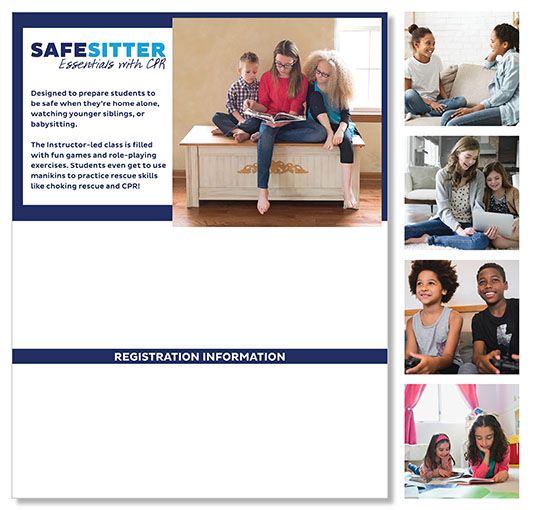
A promotional flyer for Safe Sitter® Essentials with CPR, featuring an image of a teenage girl reading to two young children, with additional images of kids and teens engaging in learning and caregiving activities.
SAFE SITTER® BABYSITTING COURSE

The one-page flyer, specific to your course offering, gives an overview of what students will learn in your class. In addition to your logo, you can add your class dates, address, class fee, and registration information. Choose from one of five images and export in PDF, JPEG, or both!
Create Flyer

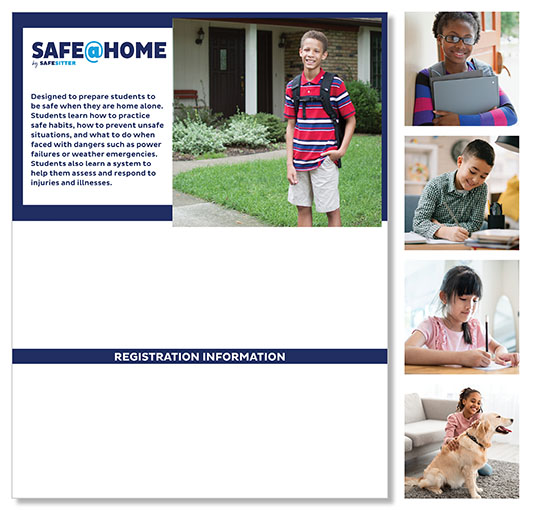
A promotional flyer for SAFE@HOME by Safe Sitter, featuring a young boy standing outside a house with a backpack, along with smaller images of children studying, writing, and interacting with a dog.
SAFE@HOME

The one-page flyer gives an overview of what students will learn in the 90-minute program. In addition to your logo, you can add your class dates, address, class fee, and registration information. Choose from one of five images and export in PDF, JPEG, or both!
Create Flyer

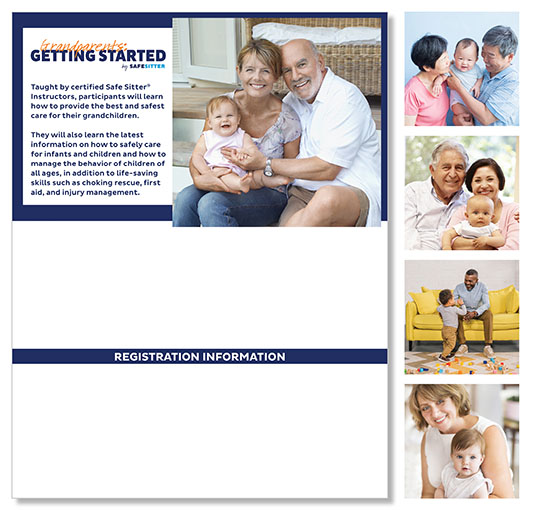
A promotional flyer for Grandparents: Getting Started by Safe Sitter, featuring a smiling grandmother and grandfather holding their grandchild, along with smaller images of grandparents engaging with young children.
GRANDPARENTS: GETTING STARTED

The one-page flyer gives an overview of what participants will learn in your 3-hour class. In addition to your logo, you can add your class dates, address, class fee, and registration information. Choose from one of five images and export in PDF, JPEG, or both!
Create Flyer

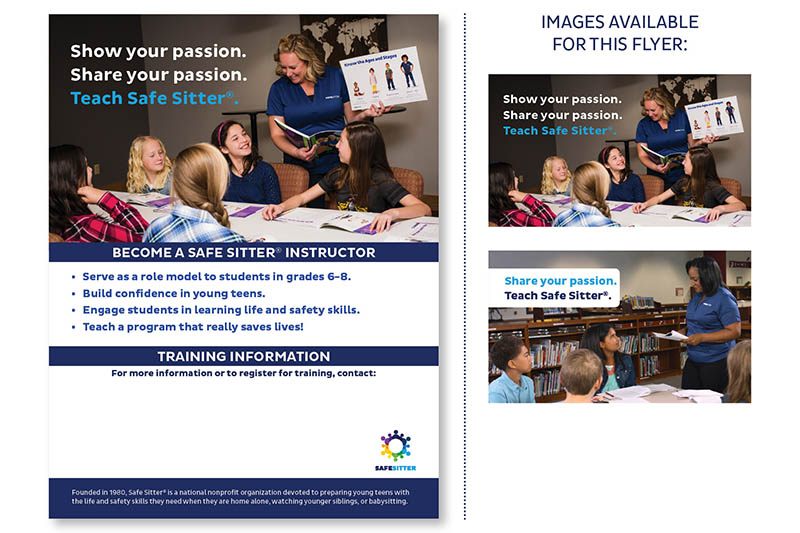
Safe Sitter Instructor Recruitment Flyers
INSTRUCTOR RECRUITMENT

The editable PDF will help you recruit Instructors who are passionate about Safe Sitter®. Available for download in the Forms and Tools section of Instructor Resources, you can add your contact information to help connect with interested candidates.
Instructor Resources

Summary

  • Safe Sitter® Providers have access to free co-branded marketing flyers for the Safe Sitter® Babysitting Course, Safe@Home, and Grandparents: Getting Started — customizable with your logo, class dates, fees, and registration information.
  • Submit a Marketing Request Form to receive customized flyers via email at no charge. Flyers can be exported as PDF, JPEG, or both.
  • Social media image templates and sample post text are available to help promote classes to parents on Facebook, Instagram, and other platforms.
  • Organizations with graphic design capabilities may download the Safe Sitter® Provider logo to create their own collateral — all custom materials must be approved by Safe Sitter, Inc. National Headquarters before use.
  • Additional resources include website best practices, media tips, Instructor recruitment flyers, and a full library of Canva templates available through Instructor Resources.
